
In this article I show you how to deal with your Firestick not running at the correct resolution.
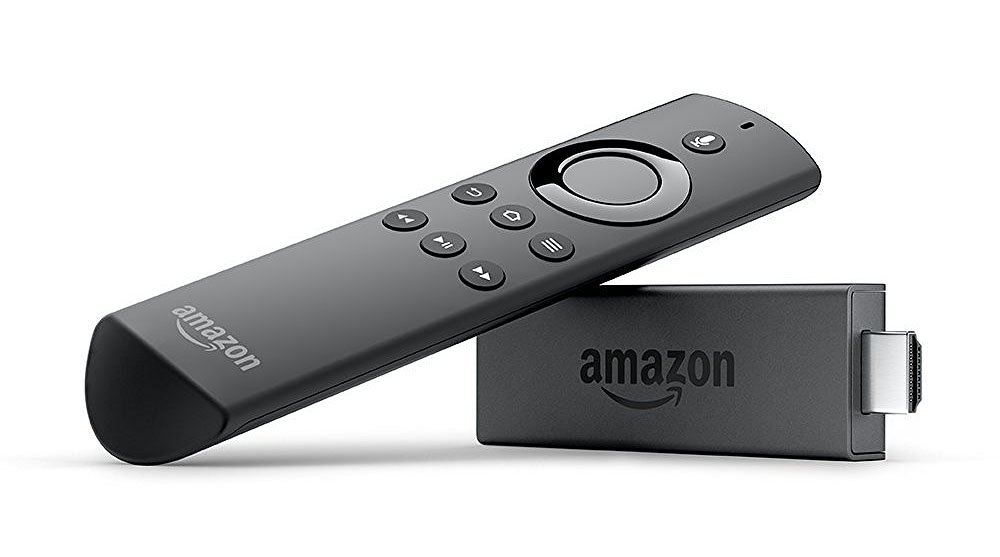
Issue
So you went out and purchased a high definition Amazon Fire TV Stick (1080p or 4K) but when you sit down to watch on your TV the Firestick only runs at 720p??
Root Cause
While the HDMI port on your TV may be capable of running at 1080p or 4K, when the Firestick does its “handshaking” with the TV, it changes the default resolution on the HDMI port to 720p.
You can try changing the resolution of the Firestick but you will see that in Settings - Display the change resolution option is forced on to “Automatic”!? Also you can try the “hidden” resolution menu using the “up” and “rewind <<“ buttons on your remote to cycle thru potential resolutions, but it is unlikely that this will resolve your issue.
You can try changing display settings like HDR, etc. but nothing gets the Firestick attached to your TV to set the default resolution above 1080p!?
Even with the default resolution set to 720p you can run still run apps and even set their GUI to default to 1080p (e.g. Kodi) and even play content at 1080p and the TV should upscale.
The Fix
To fix the root cause for this issue would require a firmware upgrade to your TV and/or an upgrade to your Android O/S (I.e a new release for your Firestick) in order for the default resolution for the HDMI port to be properly recognized. To prove that this relates to the TV/Firestick handshaking with a specific device (in my case a Samsung TV) and not an issue with the Firestick, I simply plugged the same Firestick into a high definition Computer monitor and it defaults to 1080p (not 720p). However, in most cases upgrading the firmware on the TV or hoping for an new Android O/S release on the Firestick that recognizes your TV is not an option and therefore is not an easy nor realistic fix, but there is a “workaround”.
The Workaround
The work around to set the TV to 1080p is to fake the default resolution for your TV by finding an HDMI splitter and/or switch that you can install in between the Firestick that the TV recognizes the signal resolution to be 1080p. In my case, I am using an older model Samsung TV that recognizes other devices at 1080p but for the Firestick is “restricting” the HDMI port for a Firestick 4K Max to only 720p. I ran the Firestick thru a 1080p HMDI switch the TV recognizes the input signal as 1080p. An “ugly but effective” solution.