
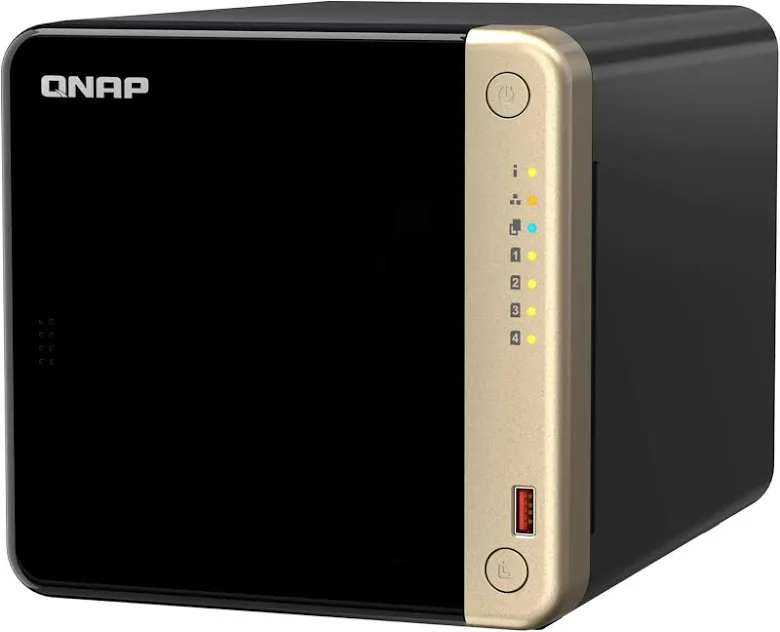
In this article I discuss "unboxing" a new QNAP NAS. The QNAP TS-464.
In my case I was watching Black Friday sales and pulled the trigger, grabbing the latest available NAS from QNAP (TS-464 for $714.22) with 88 TBytes of storage (4 x 22Tbyte WD Red Pro drives $496.19/drive) direct from Western Digital. The best deal by a country mile…
My “all in” price was about $3k CDN.
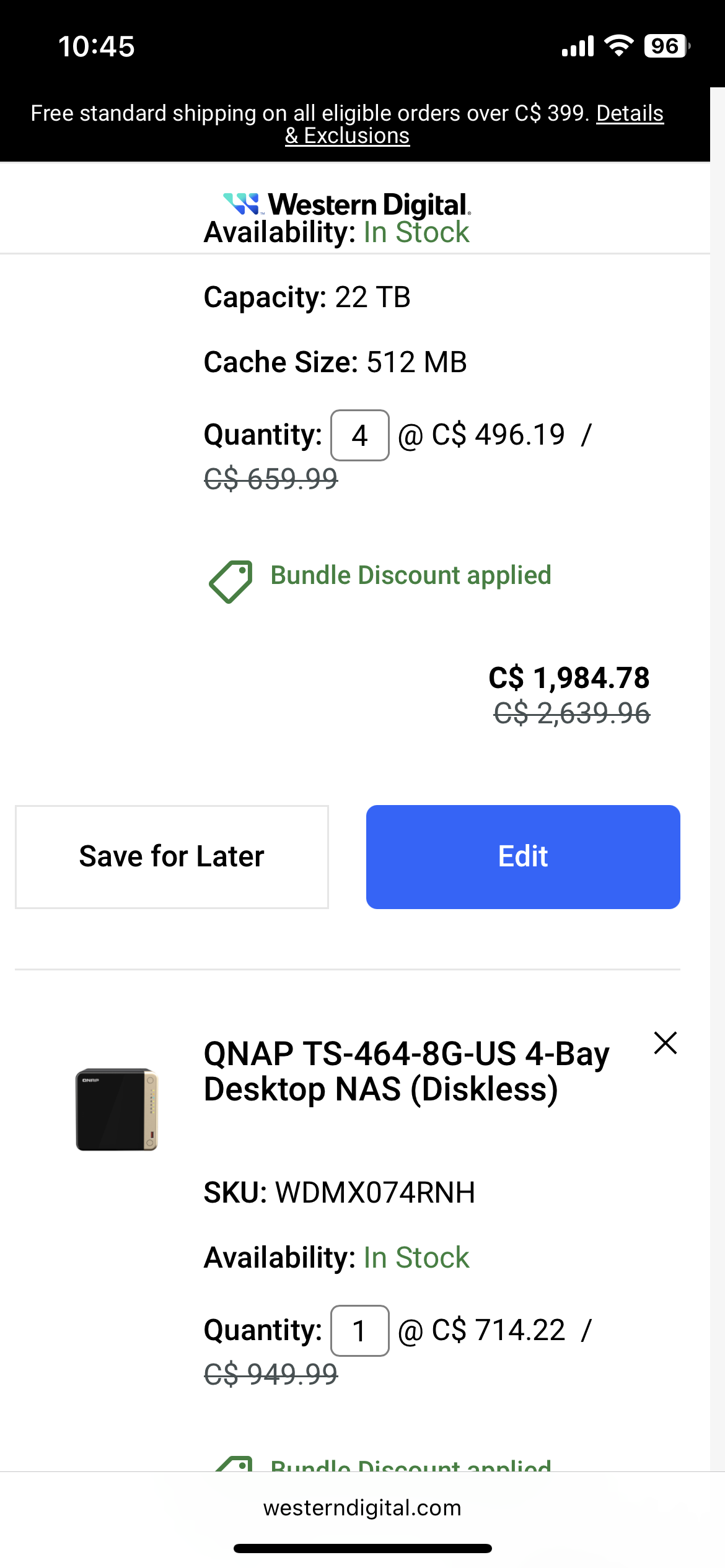
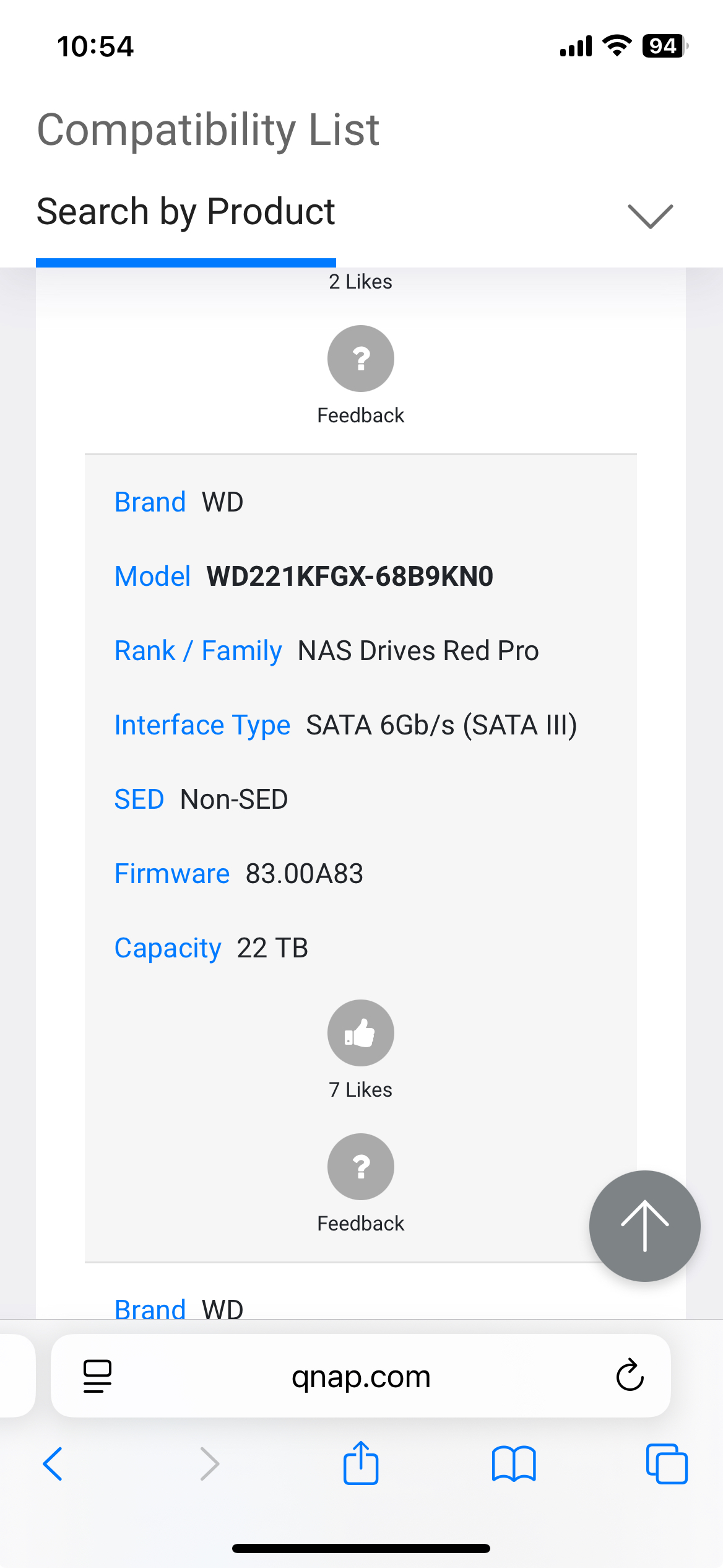
WD Drive Compatibility
QNAP Setup
The RAID device was delivered diskless with the 4 22Tbyte drives. Since I have no plans to expand this drive and since I don’t plan to use snapshots or QTier, my plan is to use the device as a Raid 5 device out of the box with a “Static” Volume (ie no “thick” or “thin” volumes). This way I will get the highest performance from the device and about 66Tbytes of useable storage space on the static volume.
Update
The set up of the Static Raid 5 went well and using Hybrid Mounts the copying of files from one NAS to the other worked well.
Outdated PHP on Joomla - Borsch.ca
After installing and setting up the NAS storage, the next step was to deal with the outdated version of PHP (end of life in Dec 2025) on the borsch.ca web server running on Container station. I attempted to use the Joomla:latest Docker with MySQL:latest and PHPAdmin:latest. Unfrotunately this did not work so I had to use a Docker specifically made for Joomla 5.4.1 with an updated PHP built in (Joomla:5.4.1-php8.3). This worked on the new NAS loading the webiste backup. Once this was up and running, I changed the port forwarding rule to point to the new NAS borsch.ca web server.
Follow the steps in other articles on how to complete an Akeeba backup and restore. Some noteable changes include updating the environment variables in the php.ini file to handle larger file uploads:
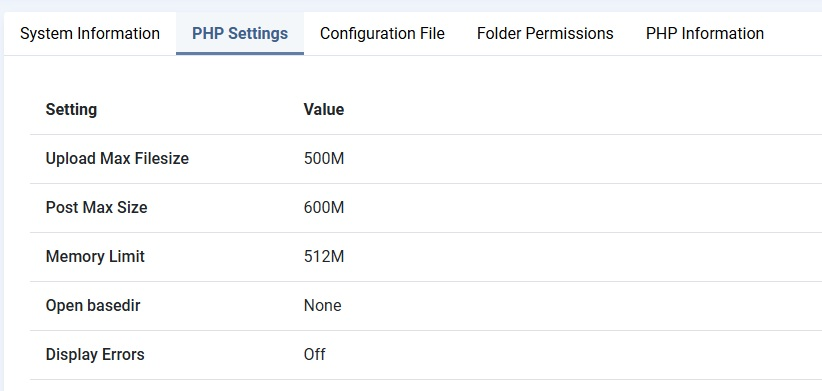
I also created an upload-tmp-dir env variable in the php.ini-production (and then copied to php.ini) and then created the directory and made it writeabe in the Container share to get rid of the last PHP Warning message. Please note: Akeeba backup now requires that you encypt the backup and provide a pwd to complete the revovery. This is accomplished by including a custom kickstart.json.php along with the kickstart.php file.