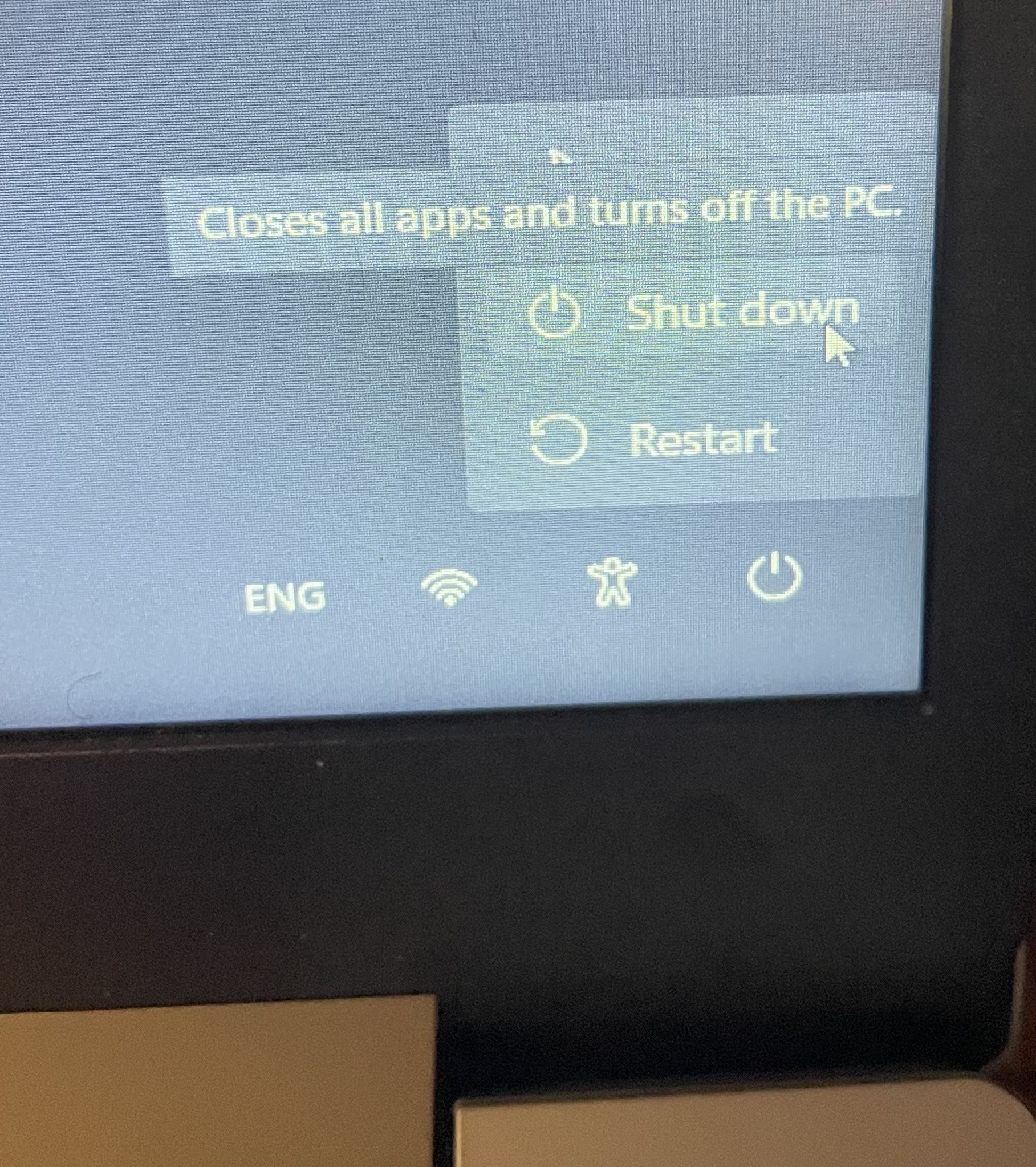
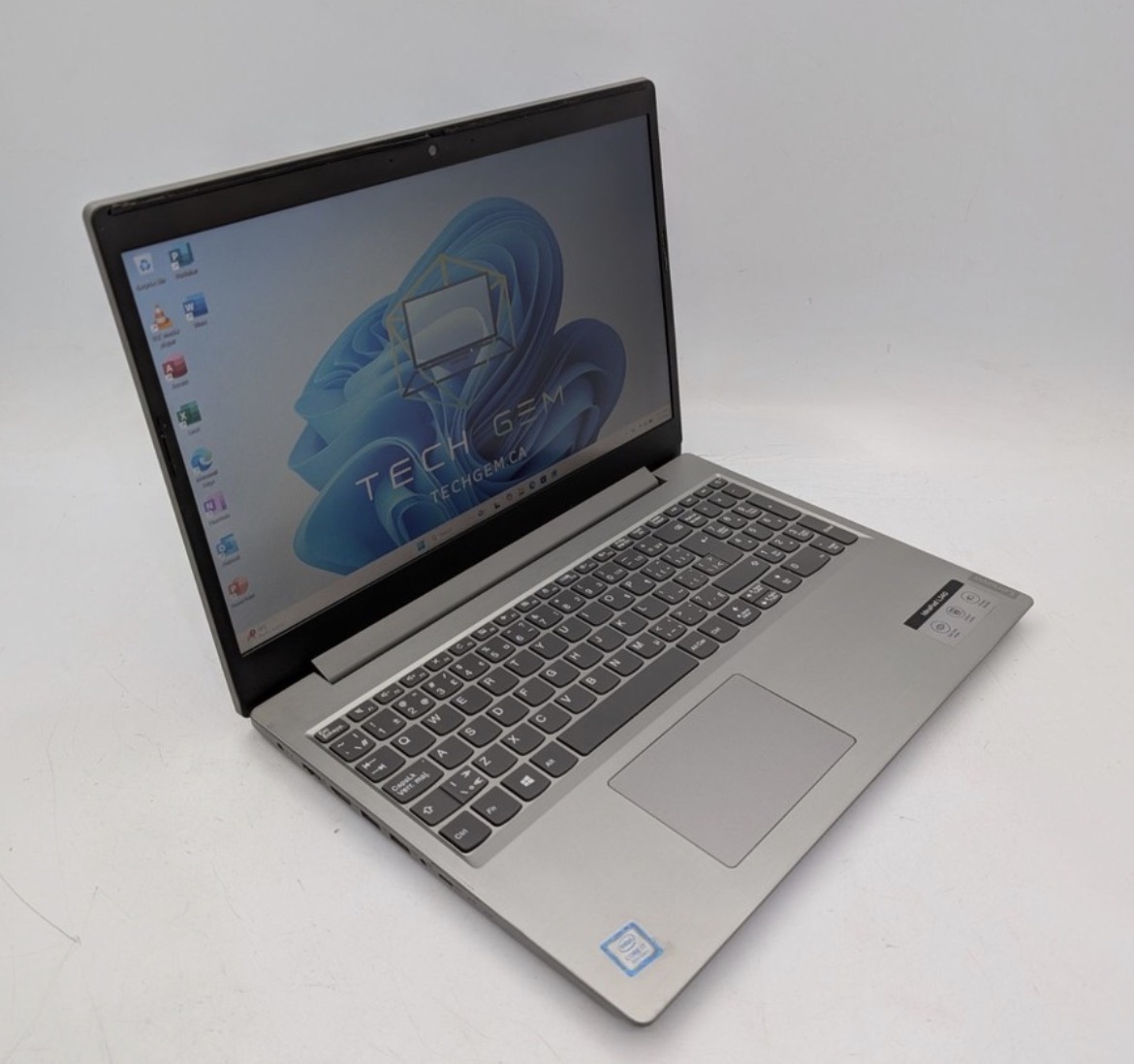
This article describes how to deal with a Lenovo Ideapad L340 that has erratic behaviour, including:
- Login screen starts flashing making it difficult to enter PIN
- Once logged in, random screens appear - including launching multiple instances of windows making it difficult to navigate and run programs.
- Machine is desperately slow.
Fundamentally, it looks like you may have a virus or Malware?? But Defender nor Malwarebytes are able to find anything significant contributing to the erratic behaviour.
The Fix / Workaround
After spending several hours running Malware checks, Defender and Malwarebytes scans, "Resetting" Windows. etc. the random behaviour continued.
With the keyboard now as the primary suspect, it was checked for sticky keys, blasted with compressed air, but still no luck....
The final conclusion is that the keyboard has a fundamental hardware fault that is causing the erratic behaviour.
Investigations, including "reseating" the keyboard ribbon cable did not fix the issues and it was determined that the keyboard H/W itself is failing and needs to be replaced.
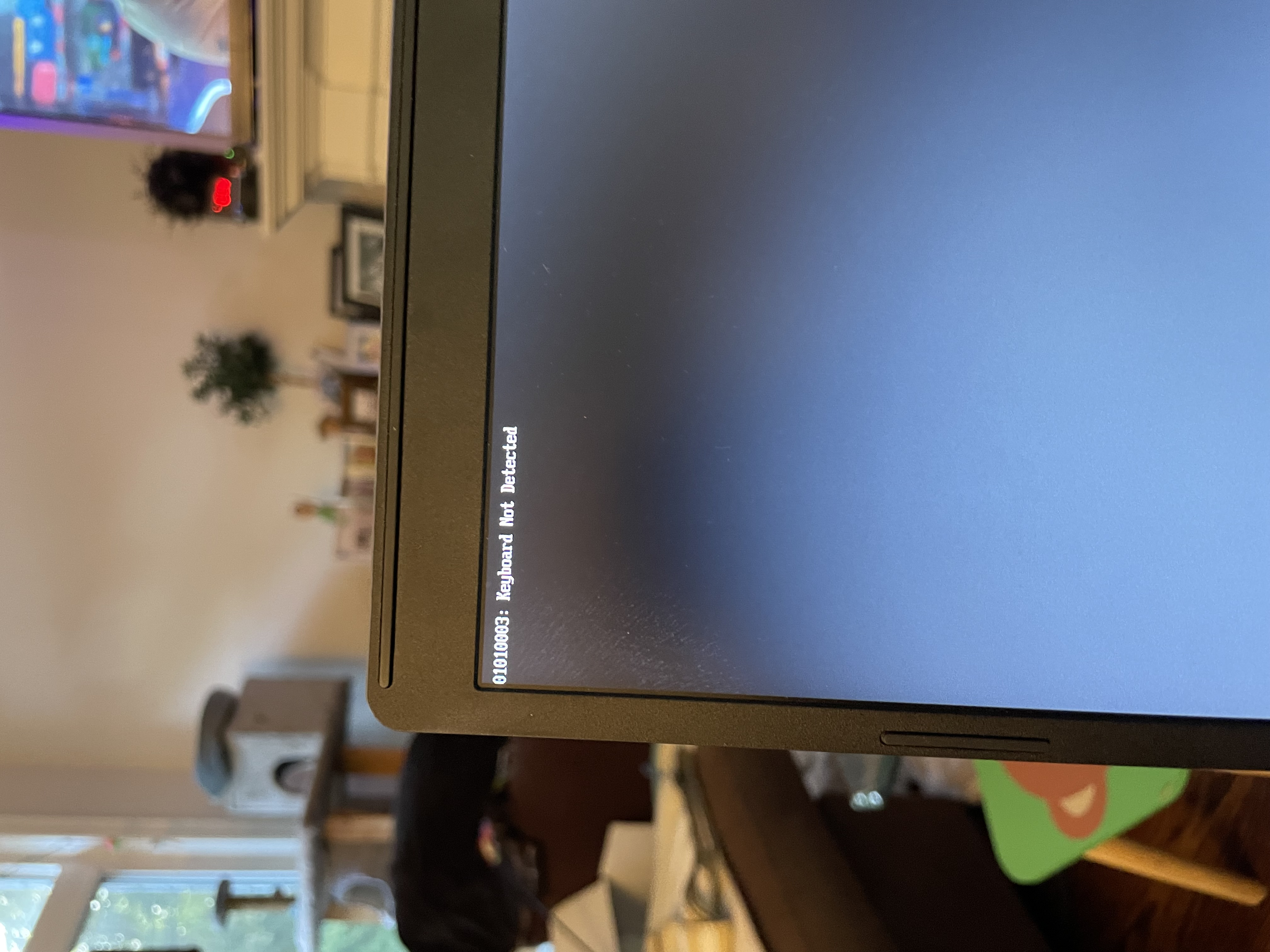
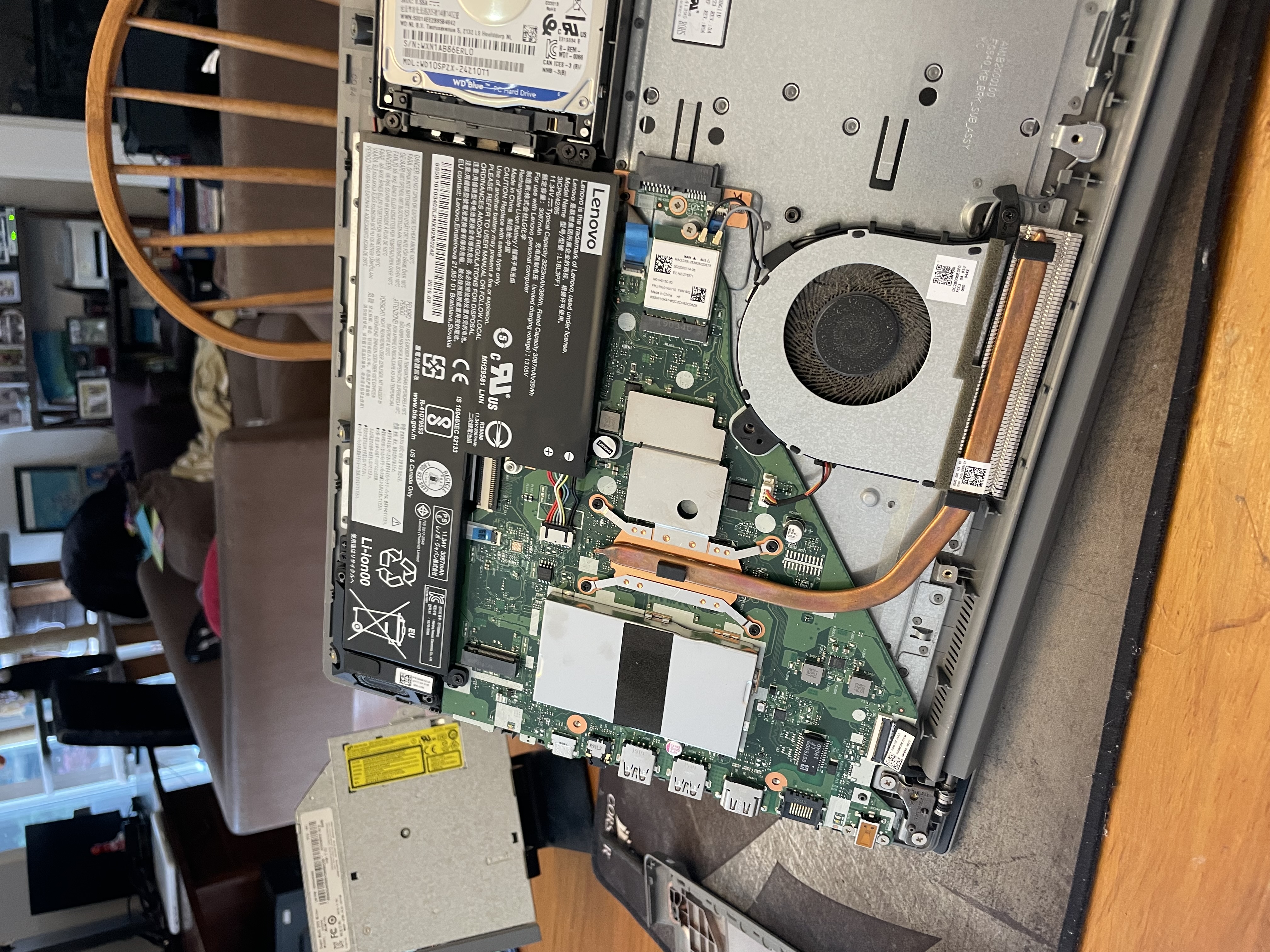
Workaround - the workaround so that the Ideapad is "useable/functional" was to open up the laptop and completely disconnect the keyboard and touchpad and use an external USB keyboard and mouse to run the laptop until a new keyboard can be sourced. This way you can still access the machine documents/files/pictures/etc until a new keyboard can be installed.
How to turn On/Off the Laptop:
Since the power button is integrated into the laptop's keyboard, you need another way to power on the machine. The Lenovo "NOVO" button to the rescue.
- The "Novo:" button is a small pin hole on the left side of the laptop that boots the laptop to a recovery menu. Putting a "paper clip" or "pin" into the pin hole will power up the Lenovo laptop.
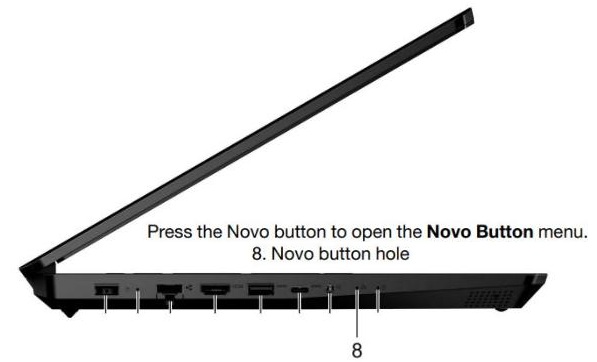
- Once powered, it will present a menu with the first option being "Normal Startup"
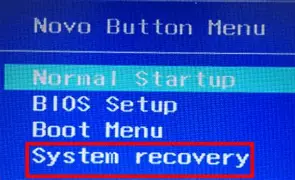
- To turn off the laptop, simply access the Power options on the laptop and select "Shut Down"